
Staff shortages
Teams are stretched thin, and the same patient conversations still take their time.

An avatar that runs the patient intake before the visit.
A room device that writes the clinical note during it.
Both run on hardware inside the hospital.
No patient data leaves the building.
 Runs fully offlineOpen-weight modelsFHIR R4 to your EHR
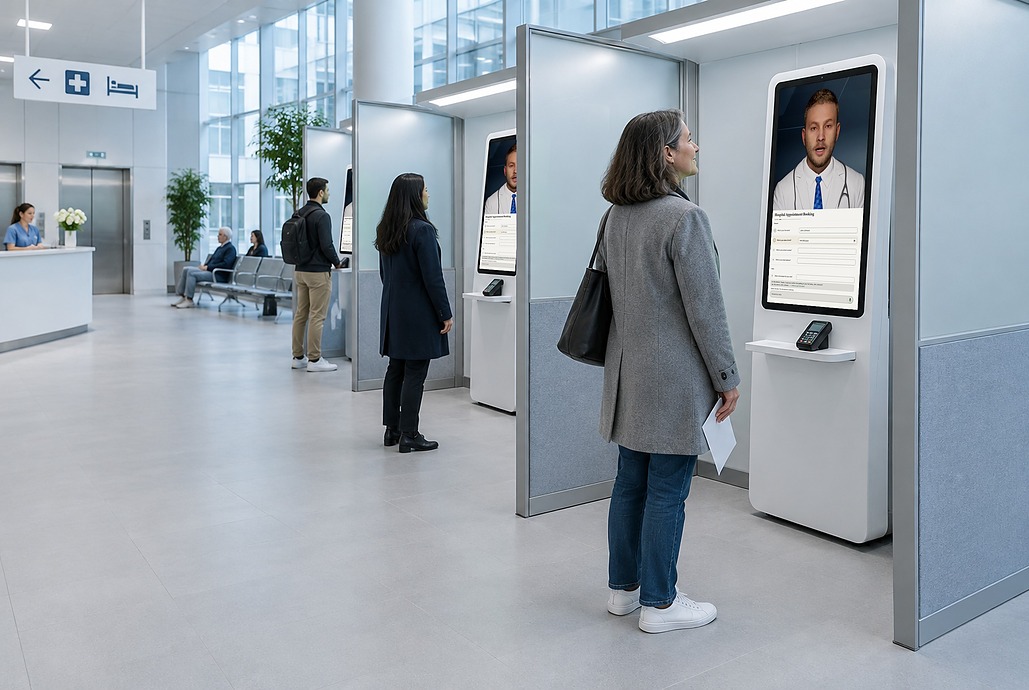
Questions and paperwork fill the hours your teams should spend with patients.
Teams are stretched thin, and the same patient conversations still take their time.

Patients wait weeks for a first consultation, while routine questions fill every visit.

Filling out medical documents adds to the daily workload of clinicians and staff.
An air-gapped AI avatar is a real-time, interactive virtual assistant on your servers, with no internet connection.
It handles the patient conversations that don’t need a clinician, and patient data never leaves the building.

Real-time voice and video. A face, a voice, and natural turn taking. Voice only where video isn’t wanted. Runs in the browser, no app to install.
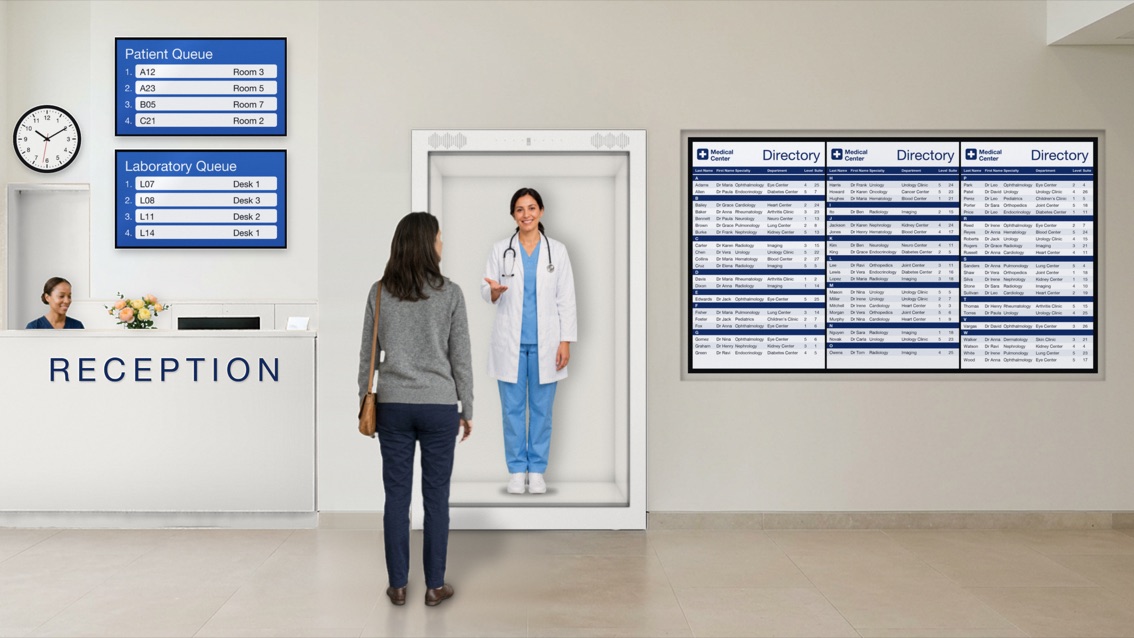
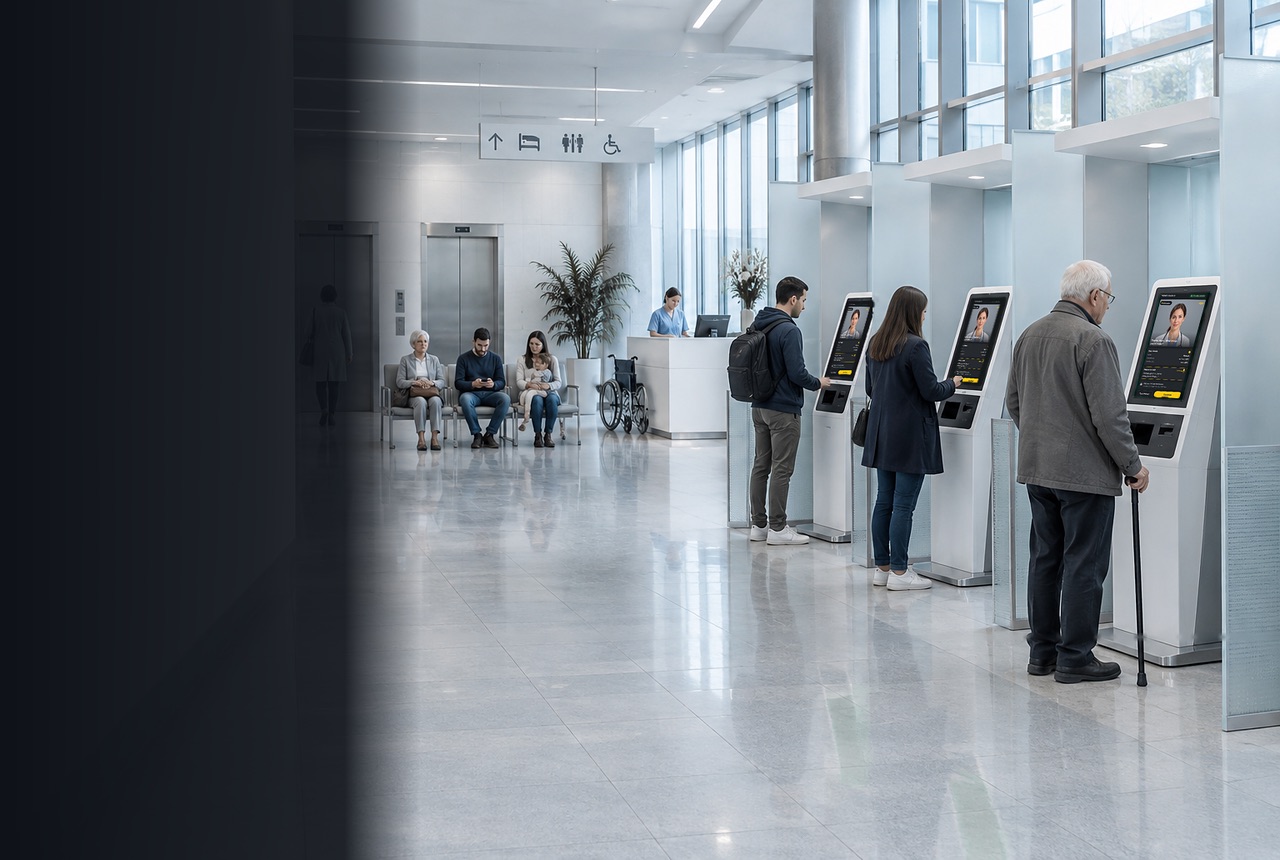
Any screen a patient meets. Kiosk in the waiting area or Holobox at the entrance. Web, mobile, and telephone come with the on-premise option. One persona on every screen.
Air-gapped by design. Runs on your own servers with no internet connection. Your IT team decides who has access, which AI models run, and when updates arrive.
Answers only from your content. The avatar reads from forms and material your clinical team approved. Nothing is trained on patient data.
It doesn’t diagnose, interpret symptoms, triage, or prescribe.
Patient intake, clinical notes, and testing often sit with different vendors, or get done by hand. Cliav brings all three into one system your hospital runs itself.
Before the visit

A conversational avatar takes the patient through intake at a kiosk, on a screen, or as a hologram.
Asks the questions your clinic already asks
Speaks the patient’s language
Gives the doctor a structured summary
During the visit

A small device in the consultation room listens, transcribes, and drafts the clinical note on the spot.
Clinician reviews and approves every note
Audio stays inside your hospital
Works with no internet connection
Before every release

Each script and note template becomes a test. The engine replays cases and reports changes.
Catches wrong or missing answers before patients do
Proof for compliance reviews
Same engine already used by a government customer
The first role is patient intake. The same avatar can take on more roles later, one at a time.
AI patient intake replaces the paper form with a conversation. An avatar on a kiosk, screen, or hologram talks with the patient in their own language, by voice or text, and collects what a hospital needs before care starts: who the patient is, why they are coming, and what the care team needs to know about their health.
It asks every patient the same questions in the same order, and follows up when an answer is unclear.
Talk to Sales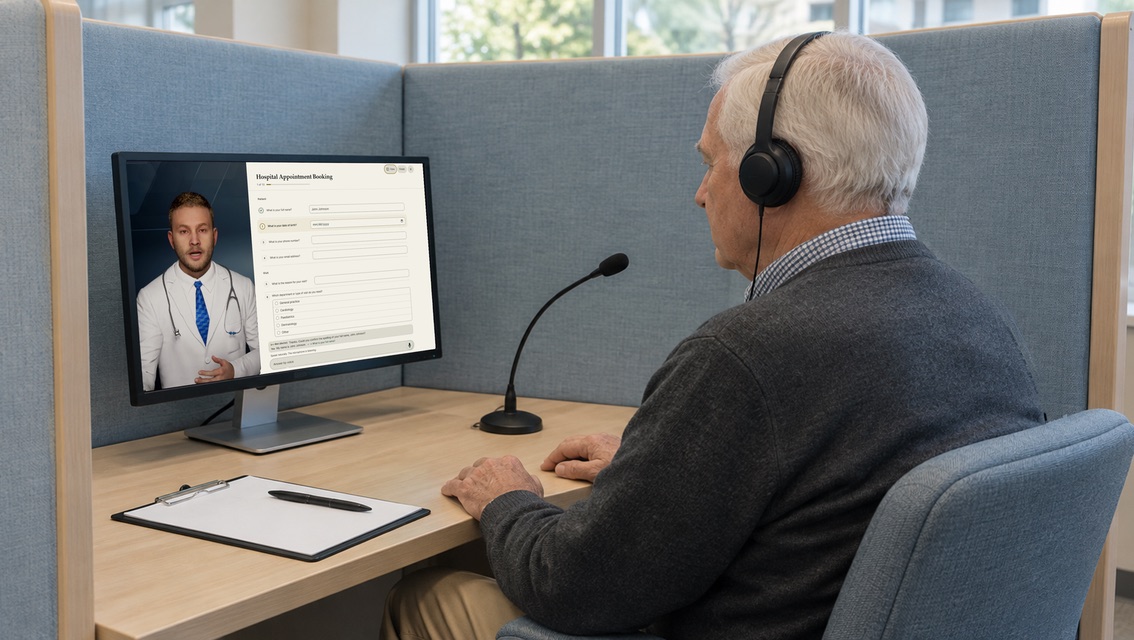
The avatars provide information, not medical advice. When a patient needs a clinician, the avatar hands the conversation over to your staff.
Other roles on the same platform: Front desk, Navigation, Education, Follow-up, Staff training.

The avatar takes the repetitive conversations, so staff time goes to the patients who need a person.

One avatar talks with many patients at once, and each kiosk or hologram adds more.

Patients get answers from content your clinical team approved, the same on every channel.

Patients talk to a lifelike avatar that listens and answers. A more natural way to get help.

The avatar stays calm and patient in every conversation, however busy the front desk gets.

Patients get information and complete routine steps right away, without queuing for the front desk.
Avatar, speech, and language models run on your own hardware, under your control.
Your hospital
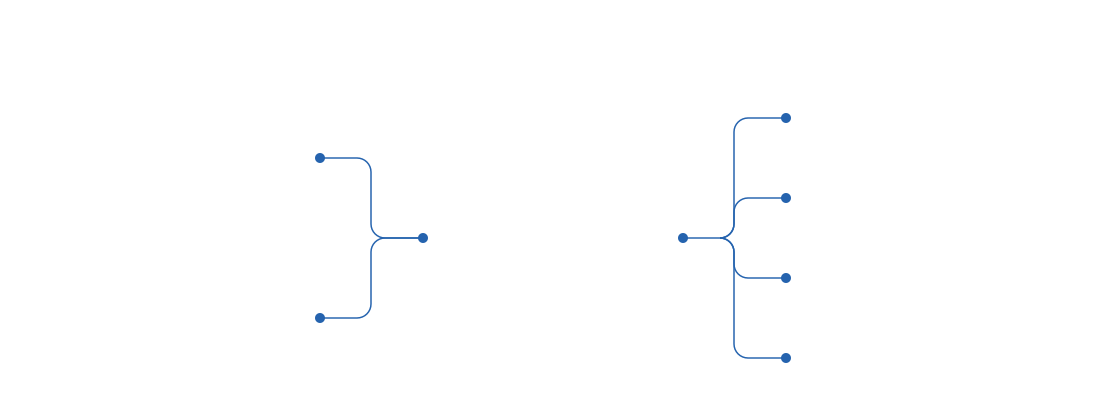
Patients
Intake, check-in, scheduling, and follow-up in their language

Staff & Clinicians
Intake summaries before the visit, and training practice



Speech models
Listen and reply in their language

Language models
Open-weight, with no outside API

Approved content
Your forms and clinical material

Hospital systems
Receive the intake summary
Your IT team controls access, AI models, and updates

Not in the air-gapped option: only the internal systems you choose. On-premise connects as your IT team allows.
On site. Open-weight models run on your own servers, so your hospital owns its intelligence.
Your IT team. Cliav runs on your own servers, so access, AI models, and updates stay under its control.
The doctor. A device in the room drafts the notes, and the doctor approves them.
Yes. Cliav tells patients it’s an AI, and an on-screen notice says so too.
Pick one role and one location, load your approved content, run it for an agreed period, and review the analytics.
No. It handles routine conversations. It doesn’t diagnose, interpret symptoms, triage, or prescribe.
At a kiosk in the waiting area, a Holobox at the entrance, or on web, mobile, or phone with the on-premise option.
Cliav runs on your own servers, with no outside AI API.
Drop us an email at info@cliav.com